How to create a product video with AI.
A product video is the most effective way to explain a product or company in seconds. With AI you can now produce professional looking videos without renting a studio, crew or location. This guide explains how a good product video is planned and produced.
CONTENTS
Product video vs. commercial
A commercial is usually built around an emotion or campaign idea. A product video is more informative: it shows what the product is, how it is used and why it is the right choice. Clear storytelling, product close-ups and readable on-screen text come first.
A company video introduces the business itself instead: what it does, who it works with, how it works and why it can be trusted.
1. Decide where it will be watched
The same product needs different videos in different places:
- E-commerce product page: 15 to 30 seconds, works without sound, shows the product from every angle.
- Instagram and TikTok: 9:16 vertical, grabs attention in the first second, with captions.
- Website homepage: A silent, atmospheric background loop.
- Trade shows, presentations and sales meetings: A detailed 60 to 120 second version with voice-over.
2. Write a short script
A good product video answers three questions: what is the problem, how does the product solve it and what should the viewer do now? Write the script scene by scene, noting what is shown, which text appears and what is said. Four to six scenes are usually enough for 30 seconds.
3. Generate the scenes with AI
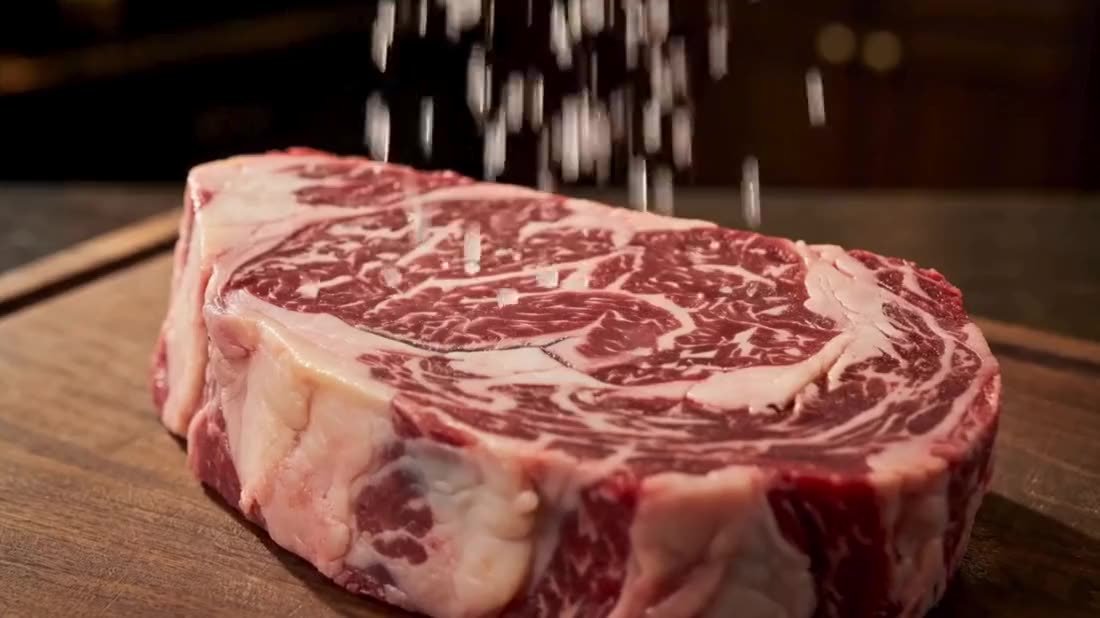
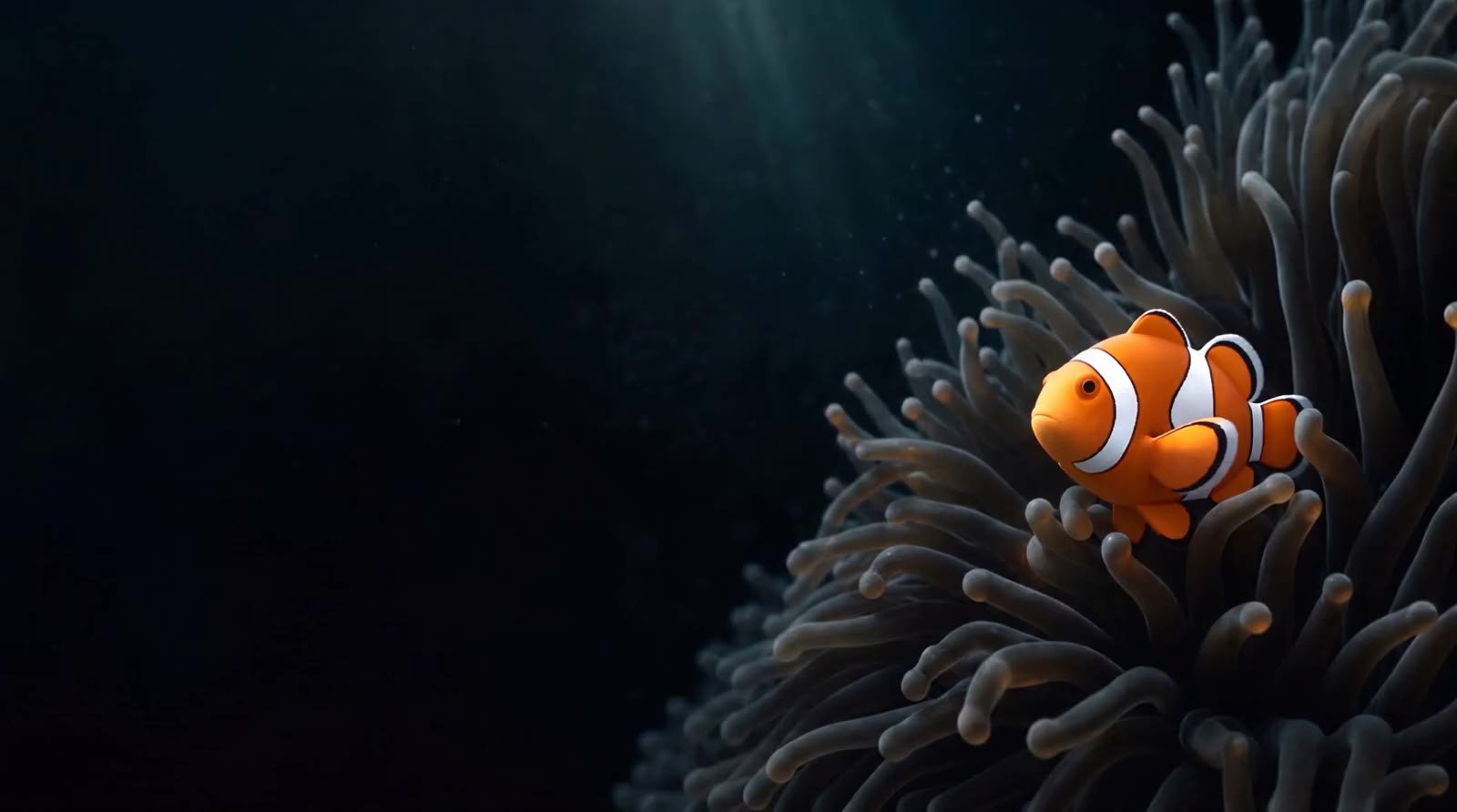
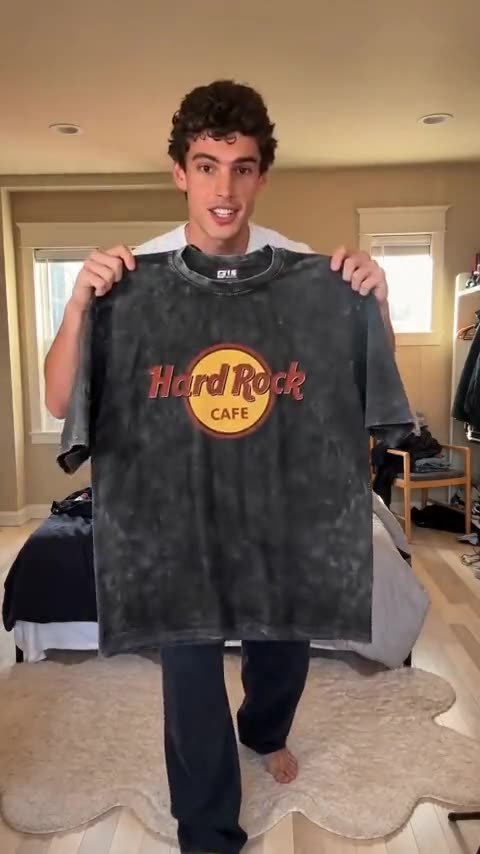
Using real product photos as reference, the product is shown in different settings, light and moments of use with AI. AI characters can appear where the product needs a user. In every scene, the product's shape, color, logo and label are checked against reality.
4. On-screen text, voice-over and music
Most social video is watched without sound, so the main message must work through on-screen text. A professional voice or AI voice-over can be used where needed, and music sets the pace. Animating text and logo with motion design makes the video look far more polished.
5. Export formats and versions
Once the master is ready, 16:9, 9:16, 1:1 and 4:5 versions plus 6 and 15 second cutdowns are prepared. Language versions are easy to produce from the same scenes.
Common mistakes
- Trying to say everything in one video.
- Not showing the product or the promise in the first 3 seconds.
- Skipping captions and on-screen text.
- Producing one format and using it everywhere.
- No clear call to action at the end (website, buy, get in touch).
Frequently asked questions
How long does an AI product video take?
After script approval, a short product video usually takes a few days to two weeks, depending on scenes and versions.
Can our real team appear in a company video?
Yes. Real team and facility footage can be combined with AI-generated scenes. This hybrid approach gives the most natural result for many companies.
Can I make one myself with free AI tools?
For simple videos, yes. But product consistency, editing, sound and brand fit need professional post-production, and the difference shows in videos that represent your brand.