AI product photography: a practical guide.
Renting a studio, building a set and reshooting for every new campaign takes both time and budget. AI product imagery lets you show your product in any location, light and mood without a physical shoot. Good results still need the right method.
CONTENTS
What is an AI product visual?
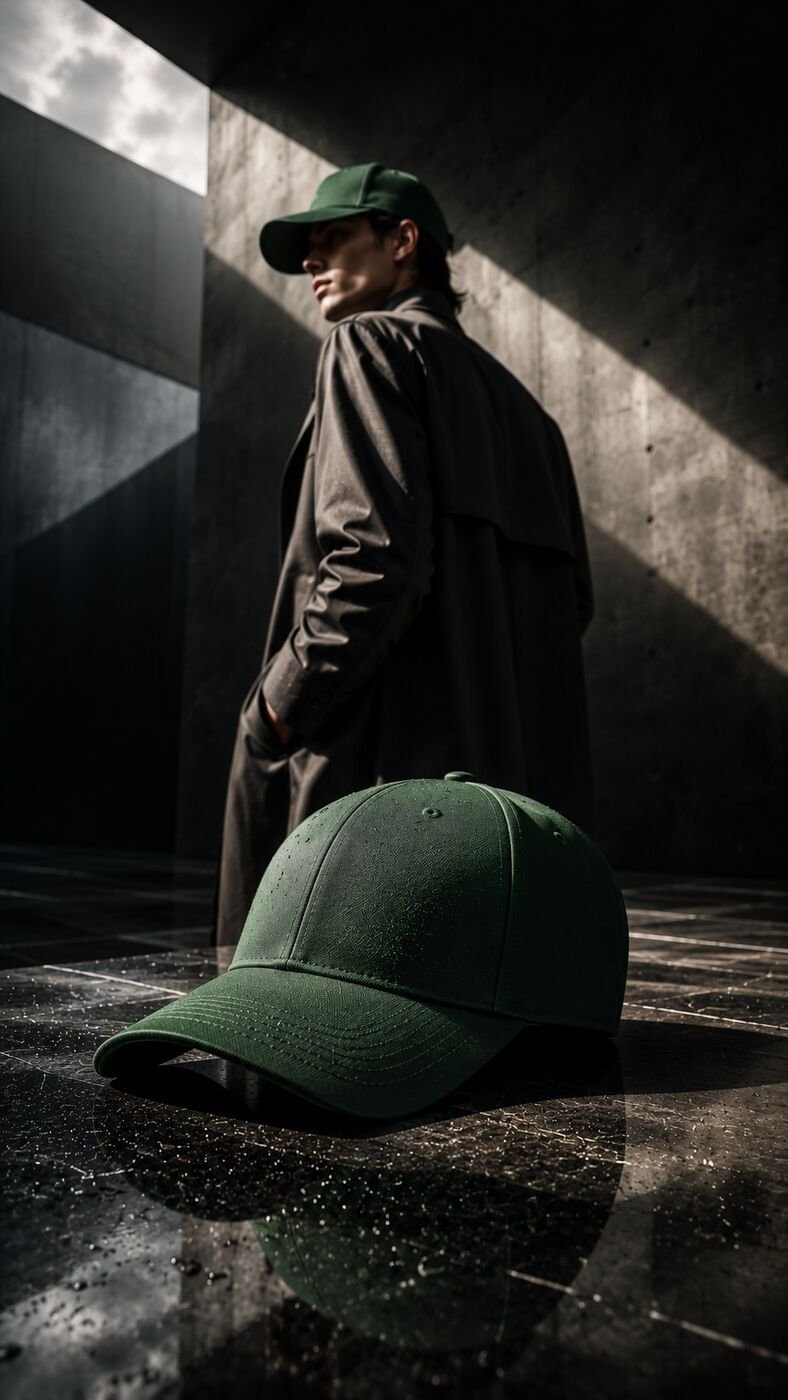
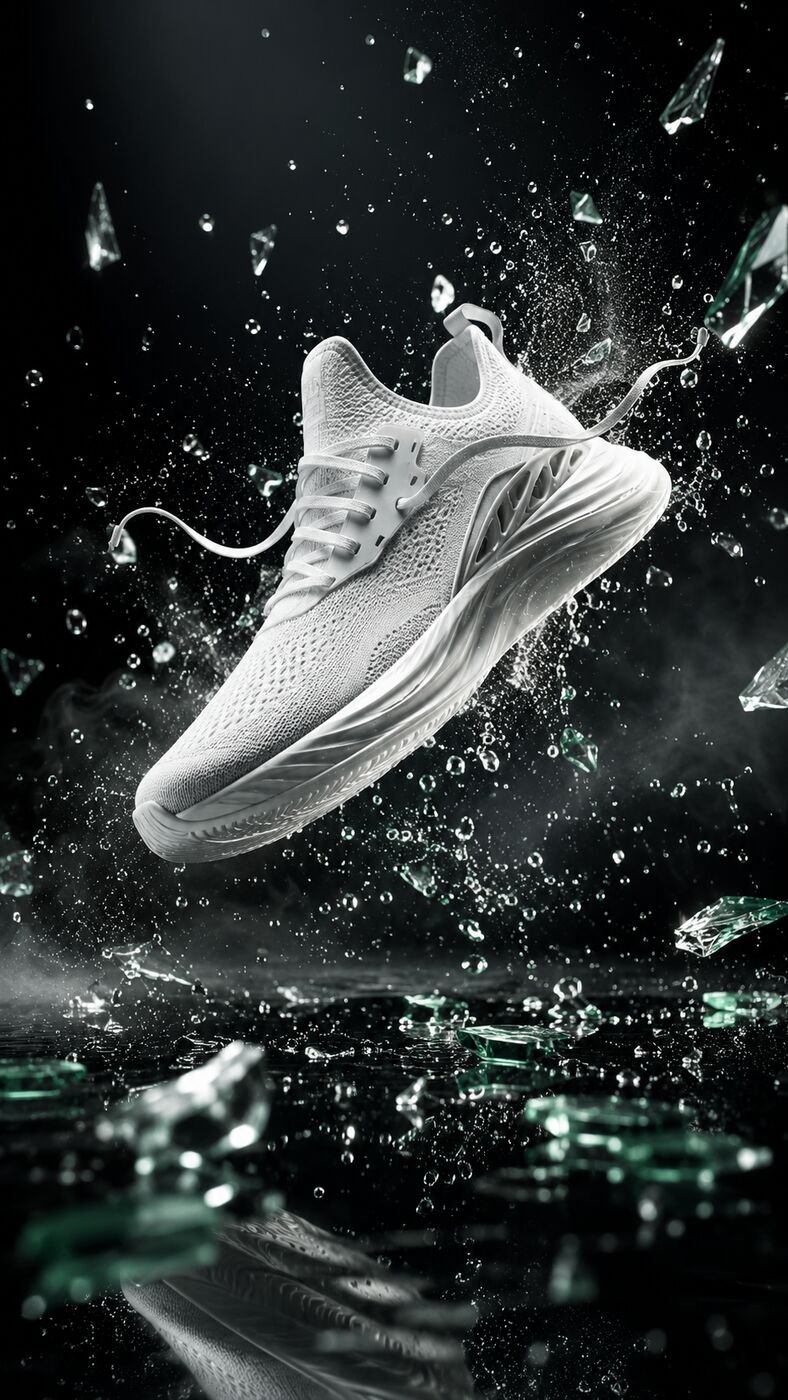
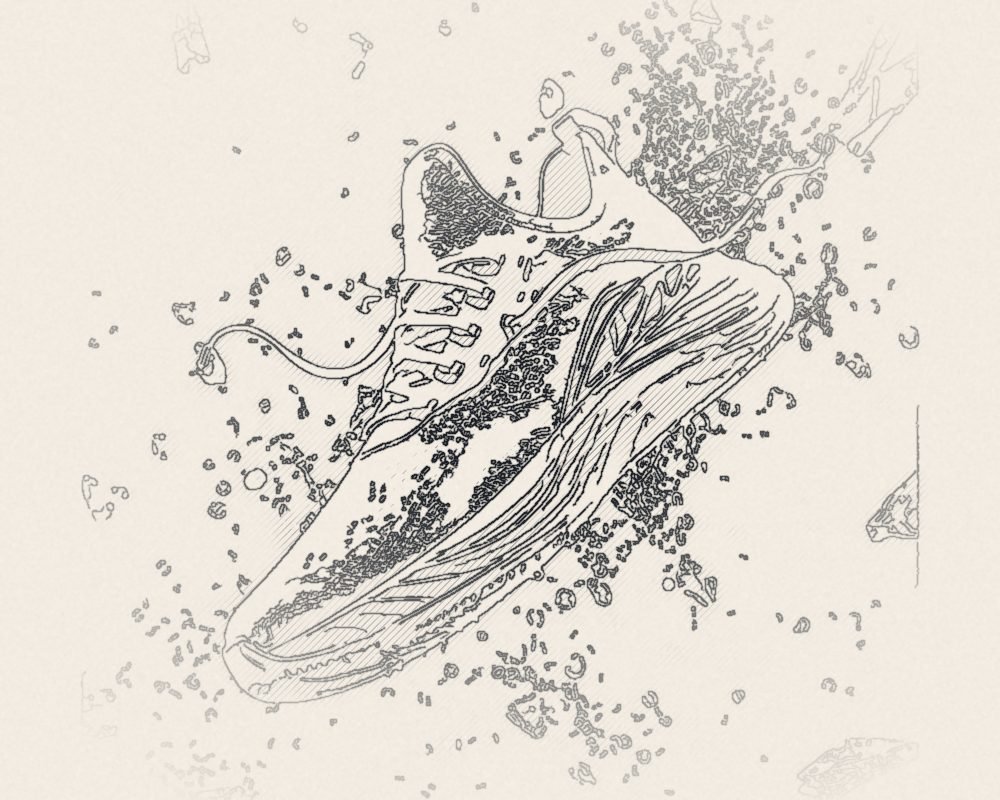
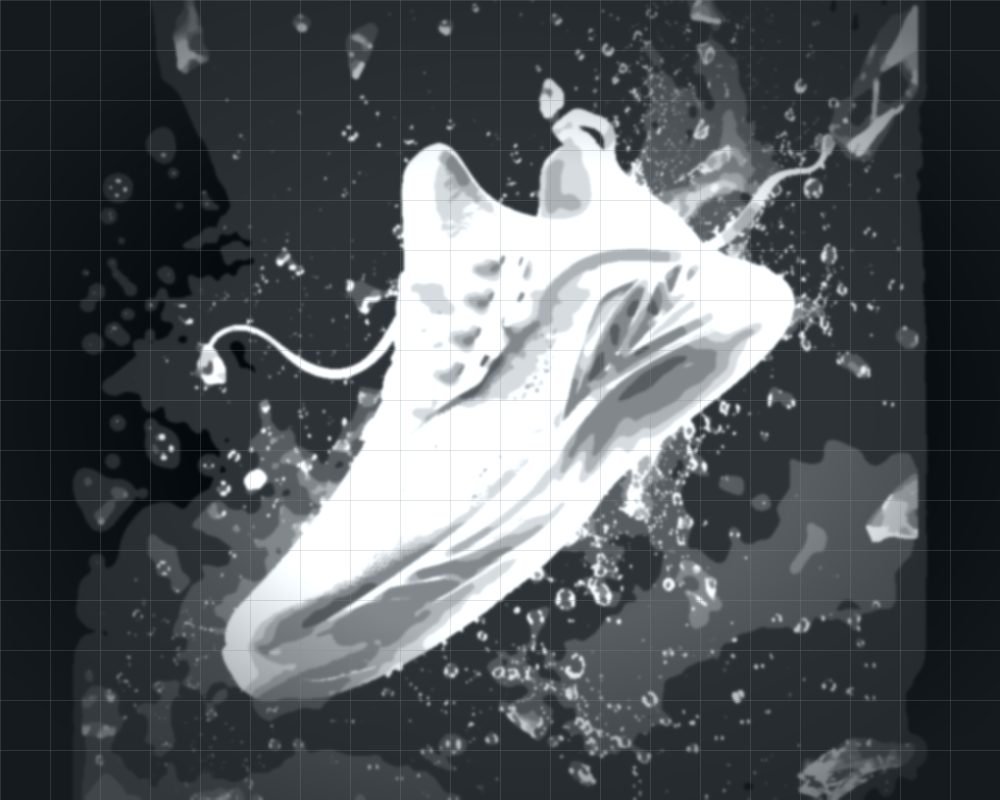
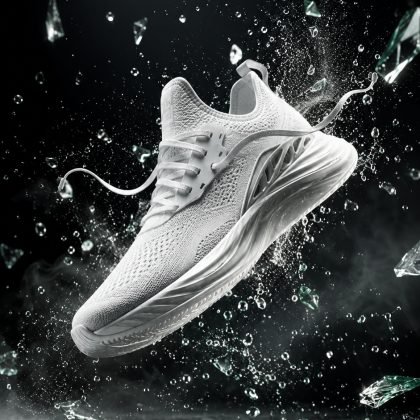
An AI product visual is an image in which your real product photo is used as reference and placed into a new scene with AI. A perfume bottle in a marble bathroom, a sneaker on a rainy city street, a coffee bag in a kitchen at sunrise.
The key is that the product itself must not change. Its shape, color, label and logo must match reality exactly. Otherwise, however beautiful the image, you are showing the customer the wrong product.
1. Start with a good reference photo
To show your product accurately, AI needs a clean photo of it. It does not have to be professional, but make sure:
- The product is sharp, evenly lit and on a plain background.
- You have a few angles (front, side, top).
- Labels and logos are readable.
- Reflective products (glass, metal) have minimal glare.
2. Define the scene and the story
Every image should answer one question: who is this product for, where and when is it used? A calm morning routine for skincare, nature for outdoor gear, a minimal desk for tech. Your brand colors and tone also guide the scene.
If you are planning a series for a campaign, using the same light, color and composition language across all images makes your brand look far more professional.
3. Production and selection
Once the scene is decided, the product is placed into the new environment with AI. Many takes are generated for each image and checked for:
- Correct product shape and proportions.
- Undamaged labels, text and logos.
- Shadows and reflections that match the light direction.
- A product that sits in the scene naturally, not pasted on top.
Finally, retouching and color correction make the images ready to use.
4. Deliver the right sizes
The same image should be cut for each use:
- E-commerce: Square or 4:5 product cards, main images on white.
- Instagram and Facebook: 4:5 feed, 9:16 stories and Reels covers.
- Website: Wide banners and category images.
- Marketplaces: Versions that follow each platform's image rules.
When AI, when a classic shoot?
AI stands out for many scenes, seasonal campaigns, localization for new markets and fast testing. For products where fabric texture, exact size or true color must be shown with millimetric accuracy, combining a good reference shoot with AI is the safest route.
Common mistakes
- Showing the product differently from reality (color, size, detail).
- Starting with a blurry or dark reference photo.
- Using a different style in every image and losing brand consistency.
- Publishing without checking text and logo errors.
Frequently asked questions
Can AI product images be used in e-commerce?
Yes, as long as they accurately reflect the real product. They can be used on your store, marketplaces and social media. Check each marketplace's image rules.
Do we need a studio shoot of the product?
A professional studio is not required. A few sharp, well-lit photos of the product are usually a good enough starting point.
How many images can we create?
Dozens of different scenes are possible for a single product. The number is planned around campaign needs and required crops.